Change Language :
Print profiles of igus filaments
Print profiles are preset configurations for the 3D printer that are customised depending on the filament type and printer model. To optimise the processing of our wear-resistant filaments, we provide you with free print profiles for the following 3D printers. Select your 3D printer and find the corresponding material profiles for our tribofilaments.
Select your 3D printer:


Secure printing without the cloud: the software solution for Bambu Studio in the corporate network
The igus Bambu Wingman software enables reliable communication between Bambu Lab printers and the slicing software without communicating with external servers and sharing print data with third parties.
All functions are available locally and can be used directly from Bambu Studio or OrcaSlicer, regardless of firmware or software versions.
Material profiles for Bambu Lab X1 / P1 / H2 / P2
The profiles work in the slicing software Bambu Studio and Orca Slicer. Just import and start printing.
Further information on the specifications of the filaments can be found on the respective shop pages.
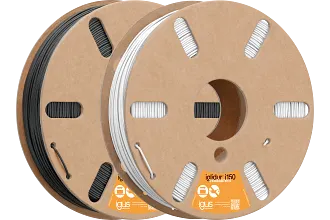
iglidur i150/i150-BL
All-rounder, easy to process with all common 3D printers
Download profileProcessing instructions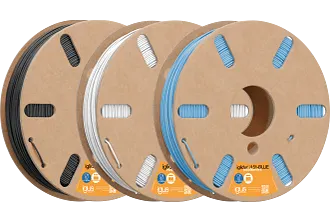
iglidur i151
Food-safe according to EU 10/2022
and FDA
⯈ More about iglidur i151 in the shop
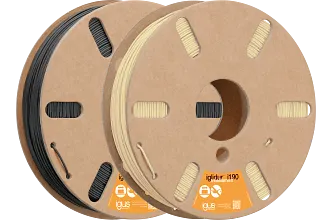
iglidur i190/i190-BL
Up to 50 times higher abrasion resistance than ABS material
⯈ More about iglidur i190 in the shop
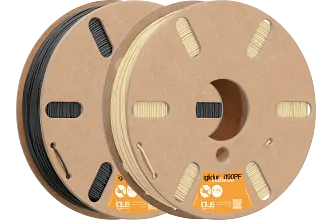
iglidur i190PF/i190PF-BL
Wear-resistant all-rounder without PTFE
⯈ More about iglidur i190PF in the shop
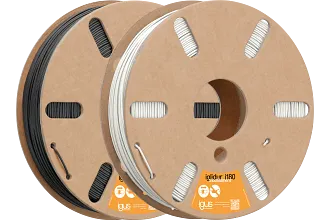
iglidur i180/i180-BL
Easy to process on a closed printer
⯈ More about iglidur i180 in the shop
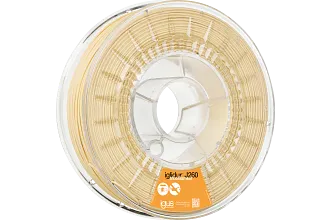
iglidur J260
Very high wear resistance, especially in demanding plain bearing applications
⯈ More about iglidur J260 in the shop
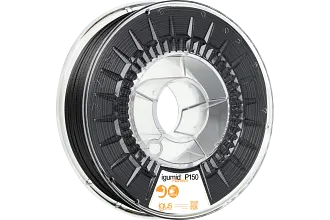
igumid P150
Carbon fibre-reinforced material for structural components, temperature-resistant up to 100°C
⯈ More about igumid P150 in the shop
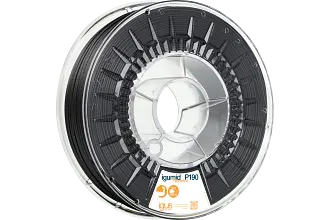
igumid P190
Carbon fibre-reinforced material for structural components, flexural strength up to 237MPa
⯈ More about igumid P190 in the shop
Material profiles for the Prusa MK3 / MK4 / XL
Further information on the specifications of the filaments can be found on the respective shop pages.
iglidur i150/i150-BL
All-rounder, easy to process on all common 3D printers
⯈ More about iglidur i150 in the shop
iglidur i151
Food-safe according to EU 10/2022
and FDA
⯈ More about iglidur i151 in the shop
iglidur i190/i190-BL
Up to 50 times higher abrasion resistance than ABS material
⯈ More about iglidur i190 in the shop
iglidur i190PF/i190PF-BL
Wear-resistant all-rounder without PTFE
⯈ More about iglidur i190PF in the shop
Material profiles for the Ultimaker S3 / S5 / S7 and Factor 4
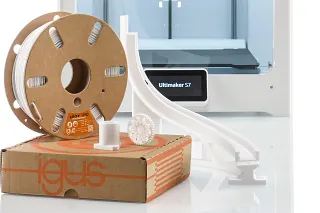
The print profiles for processing iglidur i150, i180 and i190 on the Ultimaker S3 / S5 / S7 and Factor 4 3D printers can be downloaded from the Ultimaker Cura Marketplace. There you can simply import the settings onto your printer.
You will also find further details on the product specifications.

24 tips for 3D printing with filament
No more stringing, warping or spaghetti - with our 24 tips you can easily avoid common problems with filament printing.
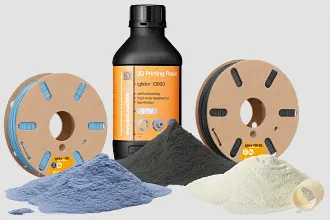
All about 3D printing at igus
Find out everything about 3D printing at igus. From our various materials up to our 3D printing service.
Consulting
I look forward to answering your questions

Shipping and consultation
In person:
Monday to Friday from 7 am - 17 pm.
Saturdays from 8 am- 12 pm.
Online:
24h
WhatsApp-Service:
Montag – Freitag: 8 – 16 Uhr